ON YOUR PHONE
The whole board, in your pocket.
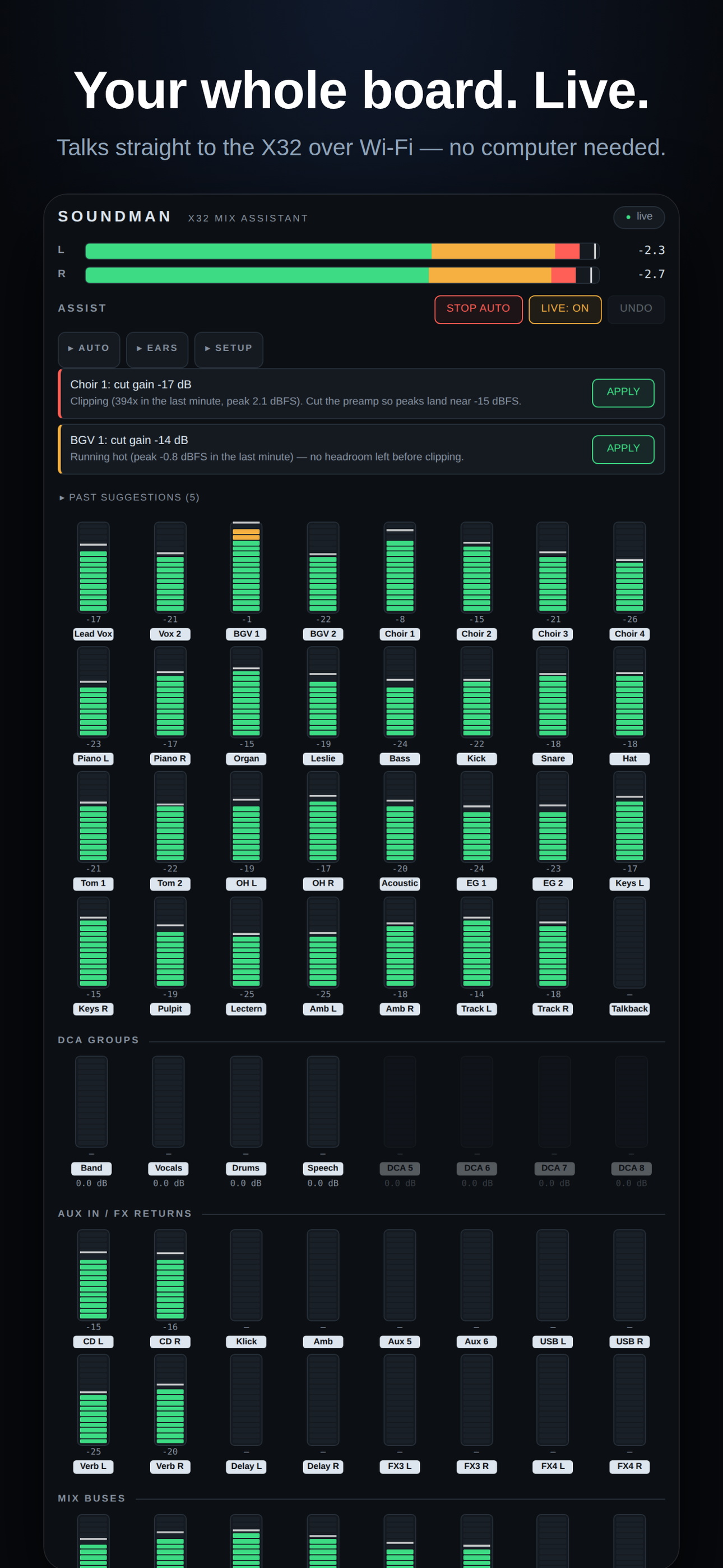
SoundMan watches your Behringer X32 or M32 the way another tech would — every meter live on your phone — and fixes problems before the congregation notices. Built for church sound teams and the volunteers who run them.
No account. No cloud. It talks straight to your console over the venue's Wi-Fi.
All 32 channels plus DCAs, buses and mains — live meters with the real names from your board, on your phone, no computer required.
A clipping mic caught in half a second. A buried vocal lifted back into the blend. A hot channel trimmed before it distorts. Every change logged, one tap to undo.
Tap LISTEN and the phone's mic becomes a room ear — SoundMan hears what your congregation hears and hunts feedback down before it takes the room.
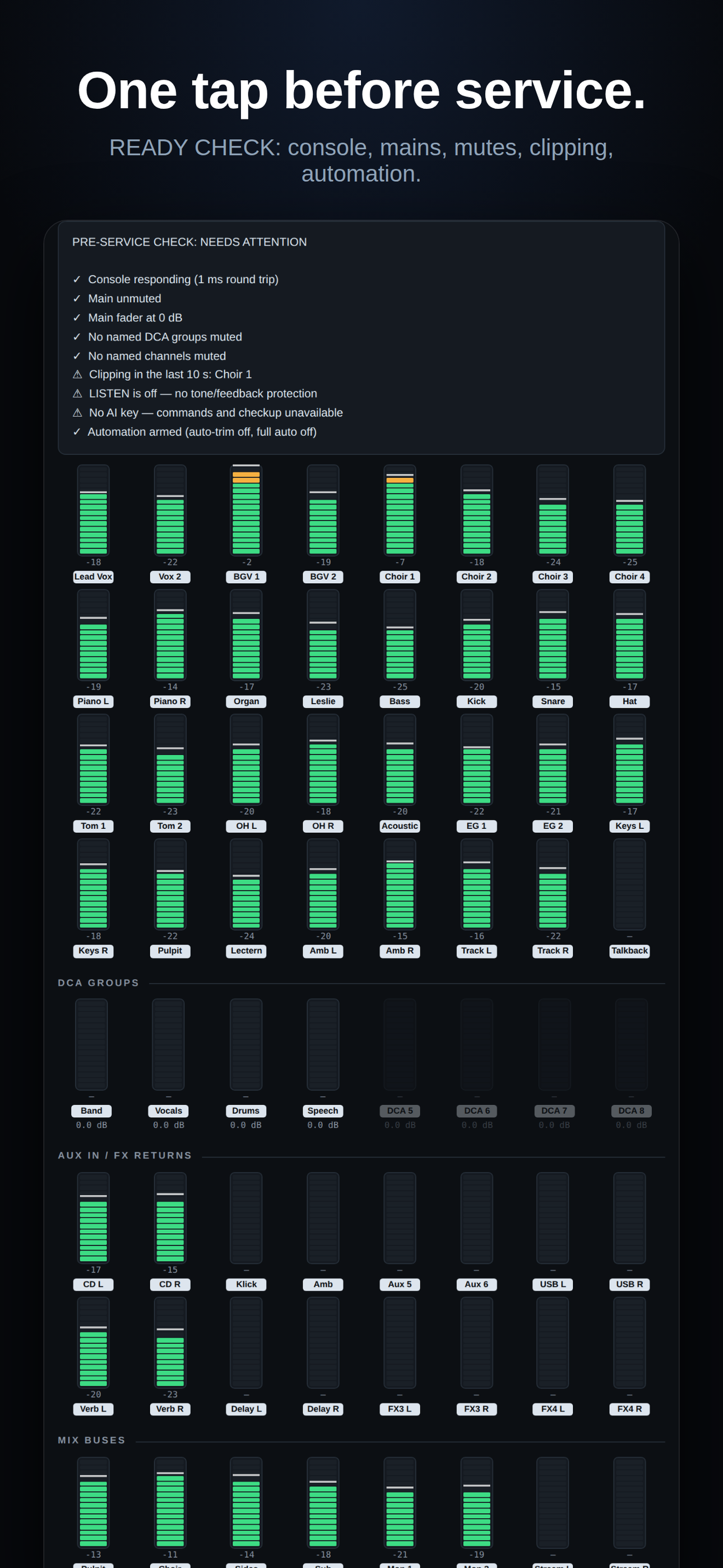
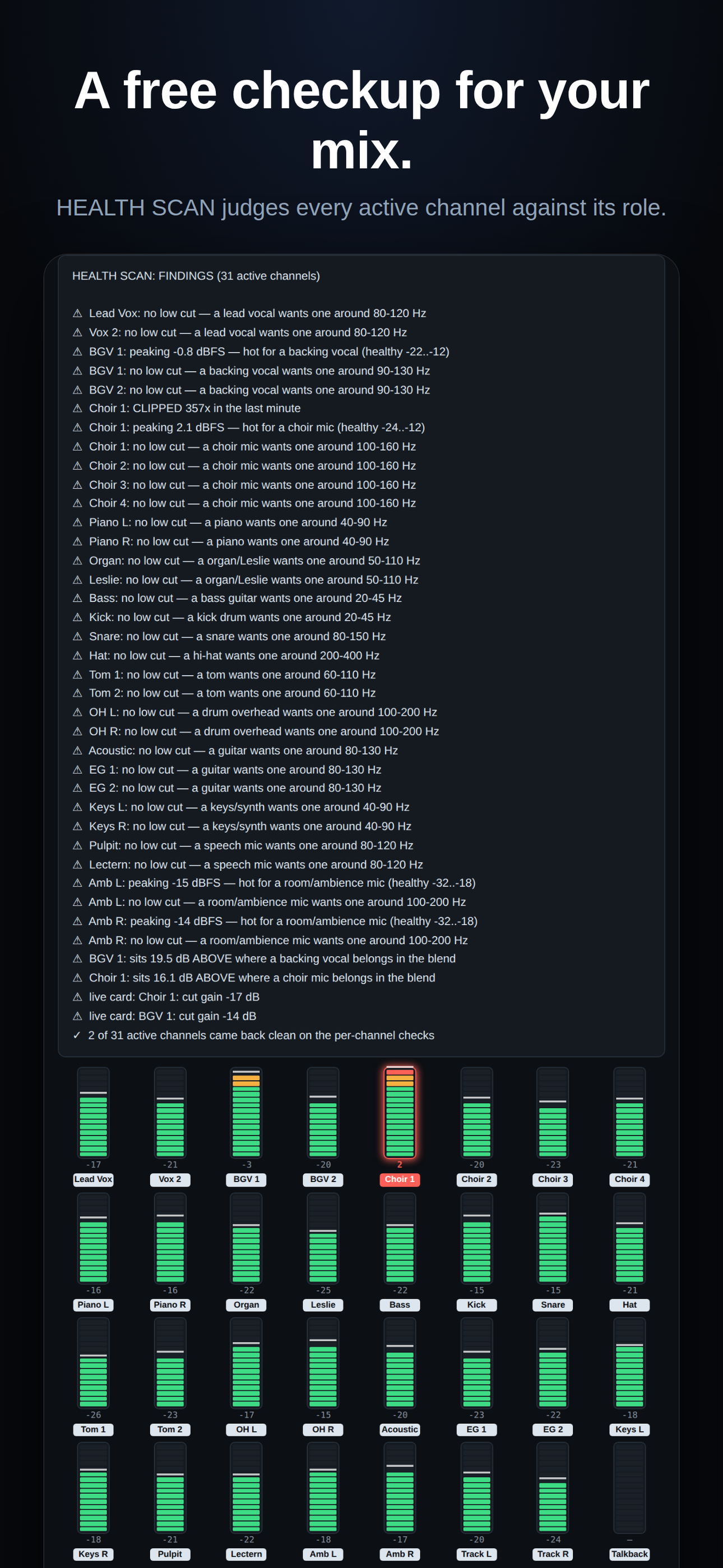
READY CHECK runs a dozen tests before service. HEALTH SCAN judges every active channel against what that kind of mic should be doing. Free, no AI key.
STOP AUTO halts everything. Locked channels are never touched. Move a fader yourself and automation stands down — the human always wins.
Every change — the app's and yours from the board — lands in a service report, so next week's mix starts smarter than last week's.
One file per computer — nothing else to install. The links always point at the newest version.
Through TestFlight while we're in beta — the App Store release is coming.
Put SoundMan.exe in its own folder and double-click. If SmartScreen warns, "More info" → "Run anyway".
The Behringer X32 / Midas M32 family — the most common church console there is. SoundMan speaks their network protocol directly; nothing is installed on the console.
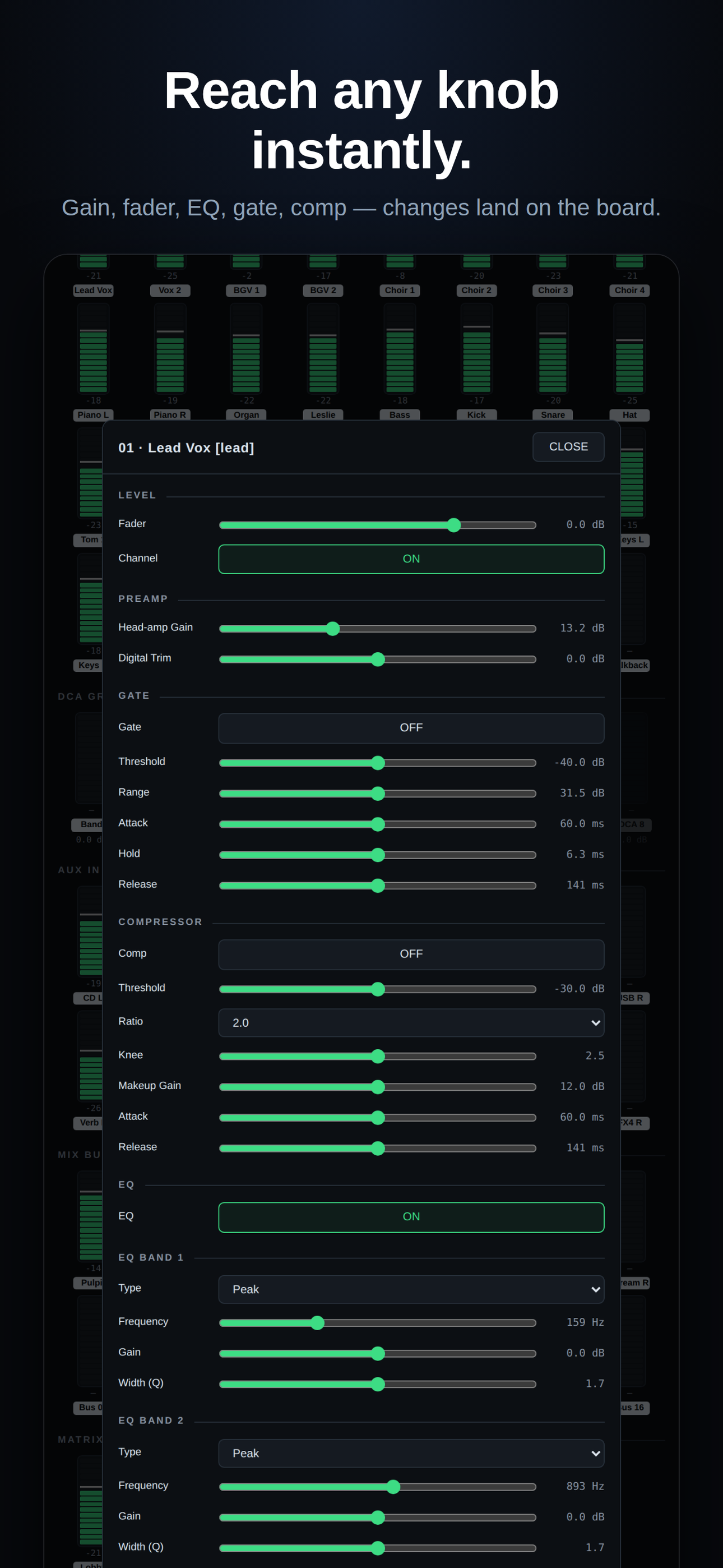
No — the iPhone app talks straight to the console over Wi-Fi and does everything meter-based on its own: clip protection, trims, blends, feedback watch, HEALTH SCAN, READY CHECK, full remote control. The Mac companion adds per-channel listening through the X32's USB card and the AI-powered features.
Four rules it never breaks: everything logged, everything undoable, STOP AUTO stops it all, and your hands always win. It's deliberately conservative — it would rather show you a card than make a move it isn't sure about.
No — iPhones pause apps that aren't on screen, no exceptions. Keep the phone on a stand, plugged in, with SoundMan open. It keeps the screen awake on purpose.
Nothing. No account, no analytics, no audio leaving the device. It talks to your console on your local network, and that's the whole story.
Find the console's IP on the board (Setup → Network), put the phone on the same Wi-Fi, add the board in SoundMan. Not at the venue? Add it anyway — SoundMan waits and connects by itself when you arrive.